
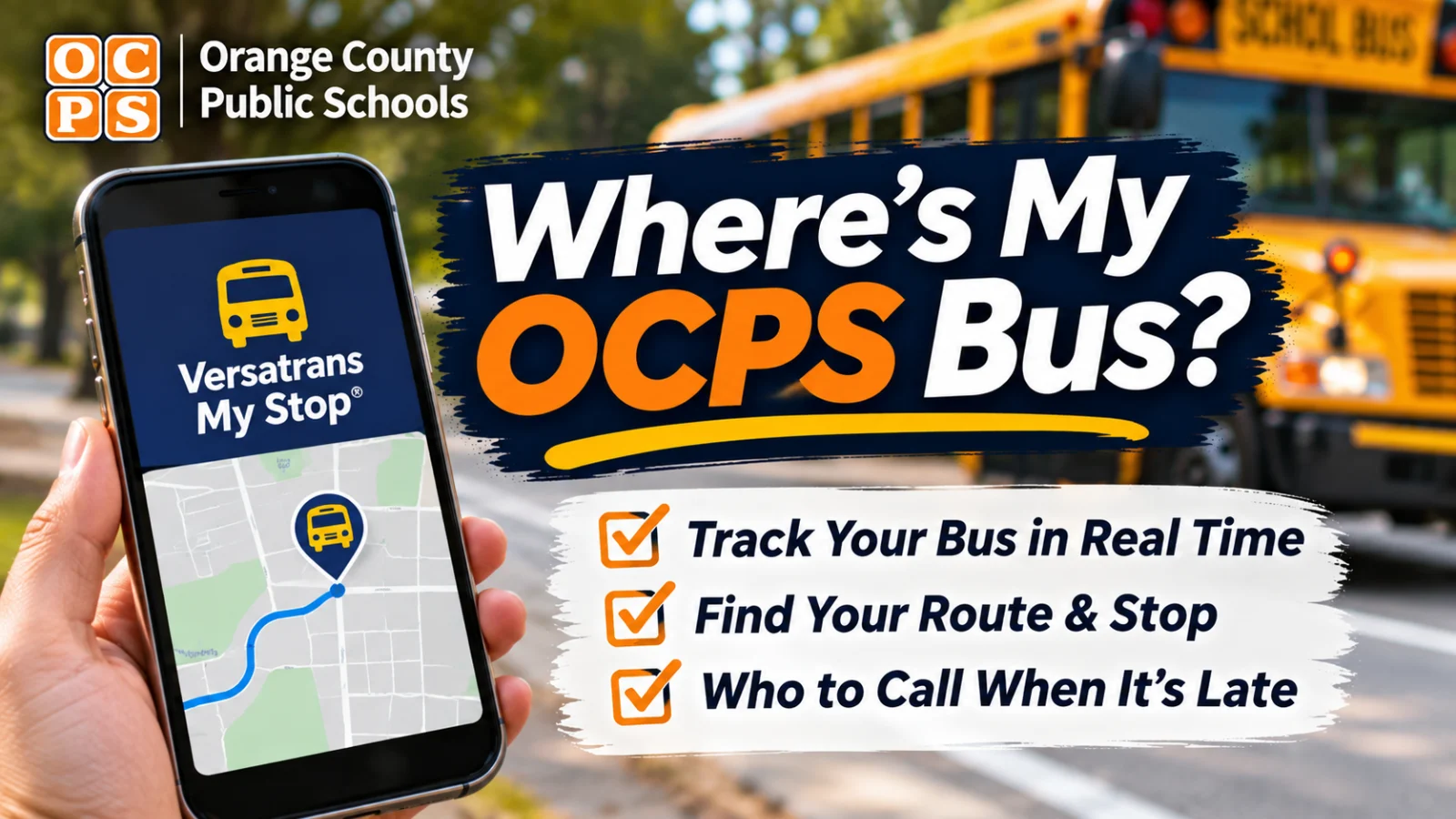
Orange County Public Schools gives parents a live bus tracker, a route lookup, and a scan alert when a child boards. All three use the same login, and when a child is missing from the app, the cause is usually the primary phone number in Skyward.
To see where your child's Orange County Public Schools bus is right now, use the free Versatrans My Stop app. Your username is your child's 10 digit OCPS student ID number and your password is the child's 8 digit birth date with no spaces or dashes, according to the OCPS Student Ridership Information page, checked October 29, 2026.
If the app does not answer your question, call the OCPS Transportation call center at 407 317 3800 with your child's name, student ID number, and school.
How does Versatrans My Stop work?
My Stop shows your child's bus on a map with an estimated arrival time at the assigned stop, and it can send push alerts. Download "Versatrans My Stop" from the App Store or Google Play, choose Orange County Public Schools as the district, and log in, the district's My Stop setup directions say.
The login matches Versatrans eLink. For a child born August 1, 2016, for example, the password would be 08012016.
Under Setup, turn on two alerts: Delayed Bus and Student Scan. The directions say OCPS will not use the app's email function, because district bus emails still come through its regular parent notification system.
The app costs nothing. The OCPS My Stop tips and troubleshooting guide says carrier data charges may apply off Wi Fi.
Why does My Stop show the wrong time or "No Active Route Found"?
Usually because you checked too early. The troubleshooting guide says the most accurate data comes within 10 to 15 minutes of the scheduled pickup or drop off. Before that, the same bus may be in your neighborhood finishing an elementary, middle, or high school run.
The bus position runs about 2 minutes behind real time while the GPS unit transmits, OCPS says. The district still tells students to be at the stop 5 to 10 minutes early.
On early release Wednesdays, buses run one hour earlier, but the app keeps showing the normal Monday, Tuesday, Thursday, and Friday times. Subtract the hour yourself.
Field trip buses do not appear. The guide says field trips are not routed trips.
If the app says "Bus passed stop" and it is already after the scheduled time, the guide says the bus may have already picked up or dropped off. OCPS also says morning drivers are instructed not to run ahead of schedule and to wait at the stop until the scheduled time if they arrive early.
Why can I only see one of my kids in the app?
My Stop links siblings by the primary phone number in Skyward, according to the setup directions. If the first phone number listed for each child does not match, the children will not group under one login.
Ask each school's registrar to make the primary home phone number identical in Skyward. Until then, log out and log back in with the other child's student ID and birth date.
How do I find my child's bus route and stop?
Use Versatrans eLink, the OCPS route lookup. The Find My Bus page, checked October 29, 2026, links to the eLink parent portal with the same student ID and birth date login. After signing in, choose STUDENTS from the top menu, then View, then My Students, then your child's name.
If you do not know the student ID number, OCPS says you can find it in Skyward, on a report card, or at the school with proper identification.
The district's eLink FAQ says route data updates nightly. A blank route means the child is not currently on a route. If you recently moved or registered, allow 3 to 5 days.
Students are routed only to the home address on file with the school. To change a pickup or drop off location, the school has to update the student's record first.
The Find My Bus page also has a button for families who have not registered and want to check whether their address qualifies. That button is supposed to open the eLink address search. When OCPS Insider tried it on October 29, 2026, it opened the eLink login page instead, and on November 2, 2026, it returned a server error, so call 407 317 3800 to check eligibility.
Who qualifies for an OCPS bus?
Students who live more than two miles from their zoned school are eligible and must complete a School Bus Registration Form every year, the Student Ridership Information page says. That page lists the 2026 to 2027 School Bus Registration Form as open.
If eLink shows no route and you did not move, the FAQ points to common reasons: you live within two miles, your address is not current with the school, or your child stopped riding for an extended time. Call 407 317 3800 in that case.
What is the bus ID card my child scans?
Every student routed on an OCPS bus gets a Student Bus Ridership ID card, a radio frequency ID card scanned at the bus stop and at school in the morning, then at school and at the stop in the afternoon. With Student Scan alerts on, My Stop notifies you when and where your child scanned on and off.
OCPS says the card also alerts the driver if a student tries to board the wrong bus or get off at an unassigned stop.
A lost, stolen, or broken card is replaced through your school's main office. Your child can keep riding the assigned bus while the new card is printed, and the driver will load and unload the student manually, the district says.
Who do I call when the bus is late or missing?
Call the Transportation call center at 407 317 3800, which the district's My Stop troubleshooting guide says is staffed from 6 AM to 5 PM, or email Transportation through Let's Talk at OCPSTransportation@k12-lets-talk.com. Give the student's name, student ID number, and school, as the Find My Bus page asks.
For an app problem, the Student Ridership Information page points to a "My Stop App Help Ticket" form. When OCPS Insider opened that help ticket link on October 29 and again on November 2, 2026, it returned a Google "page not found" error, so use the call center or the Let's Talk email for app trouble until the district fixes it.
Tonight, download My Stop, log in with the student ID and birth date, and turn on Delayed Bus and Student Scan alerts. Then save 407 317 3800 in your phone under OCPS Transportation.