Orange County Public Schools posts when each marking period ends, but not a districtwide day report cards come home. The grades themselves are already in Skyward Family Access, and the tab most parents miss is the one that holds the actual report card.
Orange County Public Schools has not posted districtwide report card or progress report release dates for 2026 to 2027 on its calendars page, its Skyward parent portal page, or the 2026 to 2027 school calendar PDF, as checked October 29, 2026. What OCPS has published is the end date of each marking period, and the second marking period ends Friday, December 18, 2026.
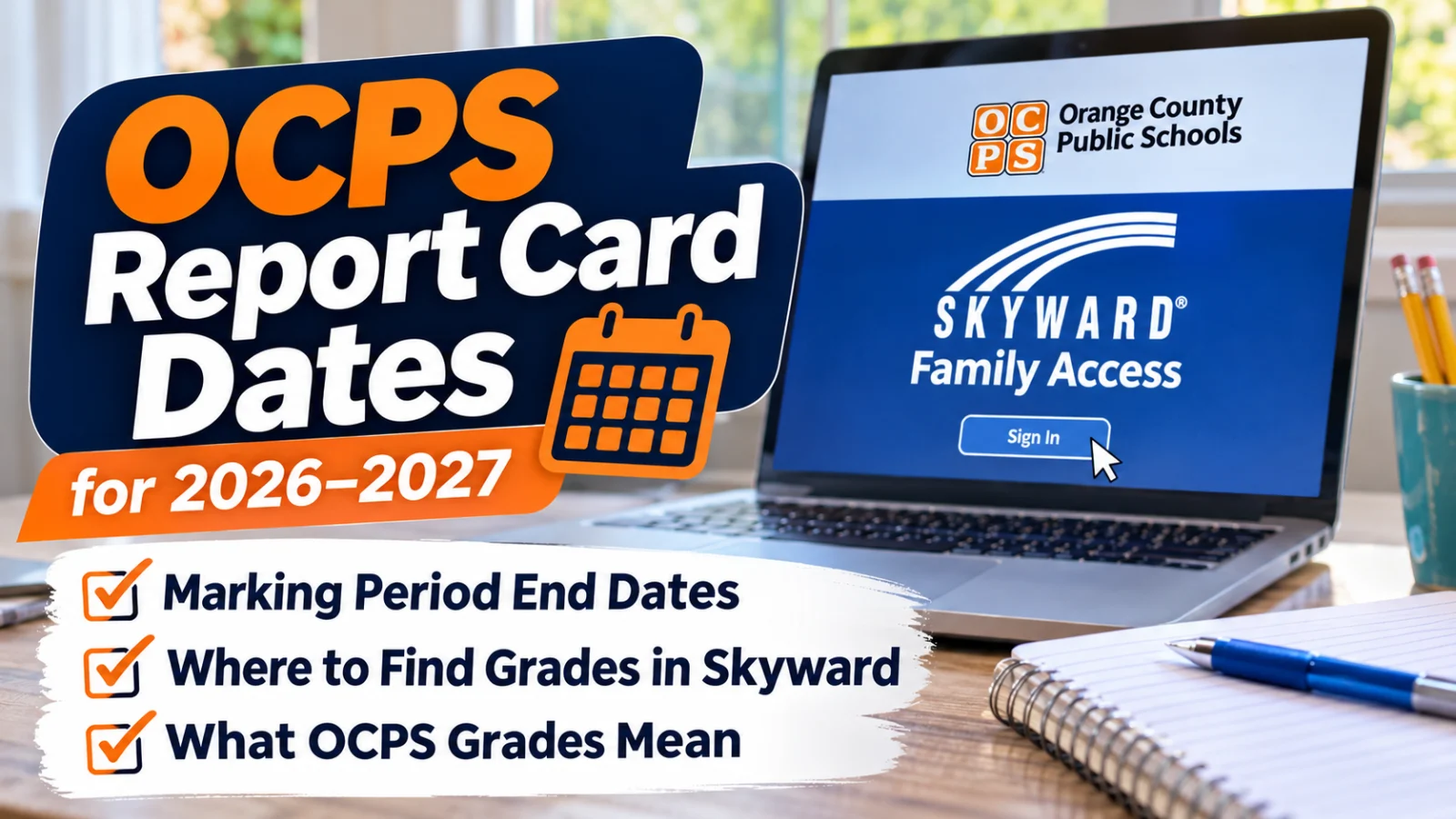
You do not have to wait for paper. Grades, progress reports, and report cards all live in Skyward Family Access, which parents reach through ClassLink LaunchPad at parents.classlink.com/ocps.
When do OCPS marking periods end in 2026 to 2027?
The OCPS 2026 to 2027 School Calendar, linked from the district Calendars page and checked October 29, 2026, sets four marking periods.
The first marking period ended Friday, October 9, 2026.
The second marking period began Tuesday, October 13, 2026, and ends Friday, December 18, 2026. That is also the last school day before winter break, which runs December 21, 2026, through January 1, 2027.
The third marking period and the second semester begin Tuesday, January 5, 2027. The third marking period ends Thursday, March 11, 2027.
The fourth marking period begins Monday, March 22, 2027, after spring break, and ends Wednesday, May 26, 2027, the last day of school.
The first semester ends with that marking period on December 18, 2026, and the S1 semester grade in Skyward covers the first two marking periods.
When do report cards come home?
OCPS has not published one district date for it. The calendar lists when grading periods close, not when report cards are issued, and the district Skyward page does not list release dates either. The district's 2026 to 2027 Student Progression Plan handbook says a report card "is issued by the student's school each quarter of the school year," so expect one after each marking period, on a date your school sets.
Florida law requires a published policy, not a published date. Section 1003.33, Florida Statutes, checked October 29, 2026, says each school board "shall establish and publish policies requiring the content and regular issuance of student report cards." The same statute requires report cards to grade academic performance in each class, conduct and behavior, and attendance, including absences and tardies.
How do I check my child's grades in Skyward?
Log in to ClassLink LaunchPad at parents.classlink.com/ocps, then open the Skyward Family Access tile. The OCPS Skyward page, checked October 29, 2026, calls LaunchPad the route to Skyward Family Access, Canvas, and online registration through Focus.
Inside Skyward, two tabs matter.
The Gradebook tab shows current class grades, missing assignments the teacher has marked, progress reports, citizenship scores, report card grades, semester grades, and grade point average. The Skyward Family Access Guide says middle and high school students both carry a GPA there.
The Portfolio tab is where the district says to find the progress report and report card documents. The OCPS Skyward Family Access FAQ, dated August 12, 2026, answers "Where can I see my student's progress reports and report cards" with one line: navigate to the Portfolio tab.
The column codes are short. The Family Access Guide lists PR1 as the first midterm grade, RC1 as the first term grade, and S1 as the first semester grade, with matching codes through PR4, RC4, and S2. PR is the progress report checkpoint and RC is the report card grade for that marking period.
One caution on that guide: it is marked revised August 2, 2024, and still mentions older state test names. Use it for navigation, and use the August 12, 2026, FAQ for current answers.
What do OCPS grades and percentages mean?
The 2026 to 2027 Student Progression Plan handbook sets the scales, and they change by grade.
In kindergarten and first grade, academic courses use S for Satisfactory (80% to 110%), W for Working on Skill (70% to 79%), N for Needs Improvement (60% to 69%), and U for Unsatisfactory (0% to 59%).
From second through fifth grade, academic courses get letters: A is 90% to 110%, B is 80% to 89%, C is 70% to 79%, D is 60% to 69%, and F is 0% to 59%. Middle and high school use the same ranges, plus I for Incomplete.
There is a floor. Teachers can grade single assignments anywhere from 0% to 110%, but the handbook says the posted grade on your child's official record for each report card, semester, and final grade will not drop below 50%.
How much do December exams count?
In courses with a state End of Course exam (Algebra 1, Geometry, Biology 1, Civics, and U.S. History), the handbook says the EOC counts for 30% of the final course grade, a share state law sets.
In middle and high school courses that have no state test and do offer an OCPS Common Final Exam, the exam counts for 20%. A skipped Common Final Exam is entered as 59%, the handbook says.
The district's 2026 to 2027 Uniform Statewide Assessment Calendar, updated June 26, 2026, puts first semester Common Final Exams for grades 6 to 12 between November 30 and December 17, 2026, and winter EOC exams between December 7 and December 17, 2026. Those are district windows, not test days. The calendar says each school must post its own testing calendar on its website, so check there for your child's dates.
Why is a grade in Skyward different from Canvas?
Many OCPS teachers post assignments in Canvas. The Skyward FAQ says an automated "grade passback" sends assignments and grades from Canvas to Skyward. If a score shows in Canvas but not yet in Skyward, ask the teacher before assuming it is lost.
What if I cannot log in or only see one child?
A ClassLink LaunchPad account requires a registered OCPS student and an active email address or cell phone number on your parent record in Skyward, according to the OCPS Skyward page. After registration, the district says to allow 24 to 48 hours for your information to reach LaunchPad.
One account should show every OCPS child in your household. If you see only one, the FAQ says to contact your school registrar, because a record likely needs a fix. The FAQ also warns that resolving login issues can take about a week. If the front office cannot fix it, the OCPS Skyward page points families to the blue "Contact Us!" chat button at the bottom right of the district website, and the district's main number is 407 317 3200.
Skyward has planned downtime. The FAQ says the system may be unavailable on the second weekend of each month, which in December 2026 is December 12 and 13, and every Saturday night from 10:45 PM to 11:15 PM.
There is no built in translation in Skyward, the FAQ says, but your browser's translate feature works on the page. The LaunchPad setup guide is posted in Spanish, Portuguese, Haitian Creole, Arabic, and Vietnamese on the OCPS Skyward page.
Before December 18, 2026, log in once, open Gradebook, and look for missing assignments while there is still time to make them up. Then ask your school office one question in writing: on what date will second marking period report cards be posted to the Skyward Portfolio tab?