
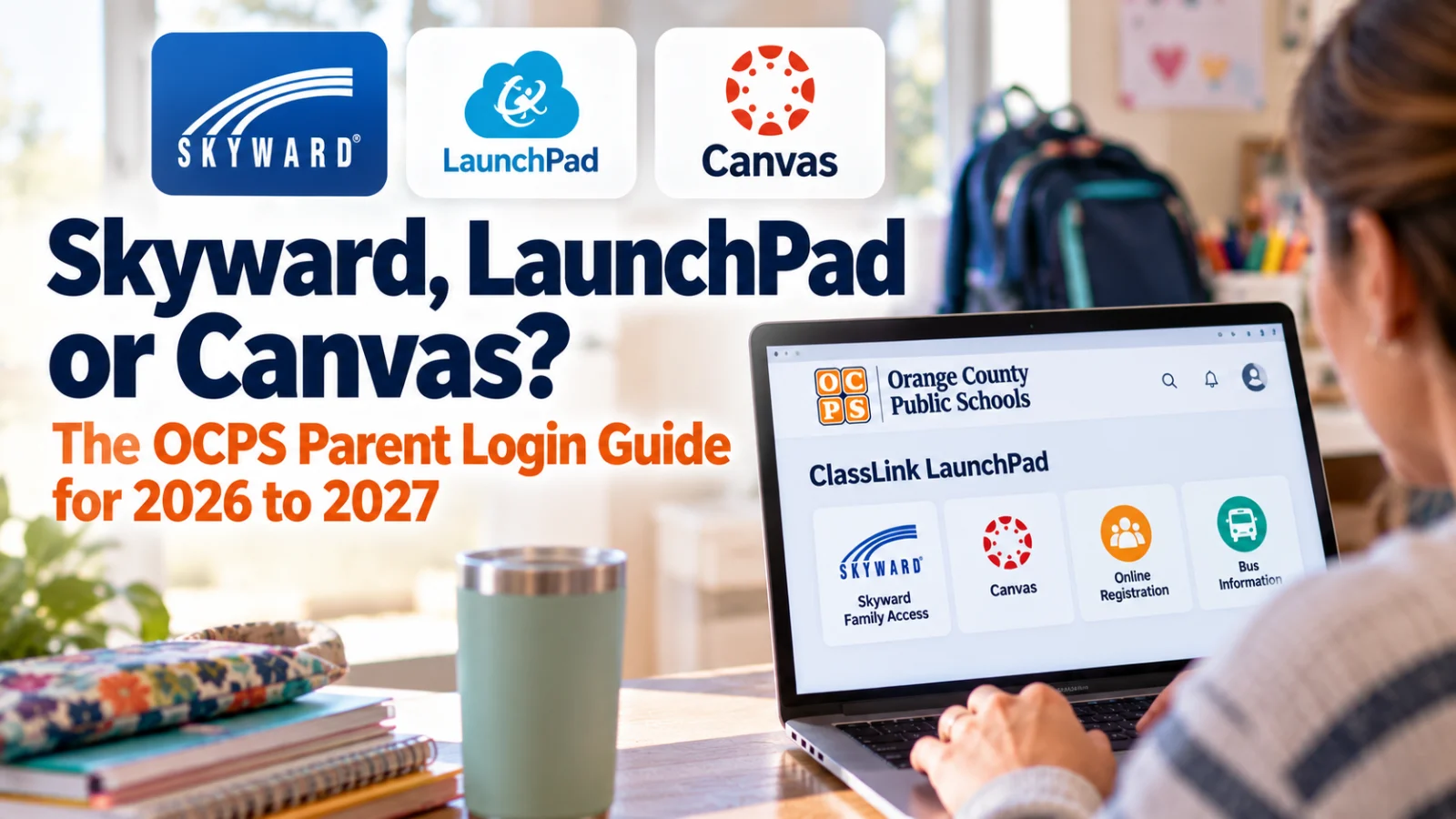
OCPS parents do not get a Skyward password. Everything runs through one ClassLink LaunchPad account tied to the email or cell number your school has on file, and a mismatch is the most common reason a login fails.
Orange County Public Schools parents log in to Skyward Family Access, Canvas and online registration through one account: ClassLink LaunchPad at parents.classlink.com/ocps. There is no separate Skyward login. The OCPS Skyward parent portal page, checked October 29, 2026, says your LaunchPad account is created with the email address or cell phone number attached to your parent record in Skyward.
What is the difference between Skyward, LaunchPad and Canvas?
ClassLink LaunchPad is the OCPS parent portal. The district's LaunchPad directions, in a file dated August 12, 2026, call it "a portal that will control your access to Skyward, Online Registration, Canvas, and other OCPS parent software systems." You click an icon, or tile, inside LaunchPad to open each one.
Skyward Family Access is the student record. OCPS calls it the central hub for your child's schedule, grades, attendance, test scores and more, and the LaunchPad directions add school forms. One parent account shows every child you have enrolled in OCPS.
Canvas is where many teachers post assignments. Grades teachers enter in Canvas move into Skyward through an automatic "grade passback," according to the district's Skyward FAQ, in a file dated August 12, 2026. OCPS's Family Engagement and Digital Outreach page says Canvas Parent, reached through the OCPS Parent Portal, shows your child's Canvas assignments, calendar and grades on work completed in Canvas. The district also links a self paced Canvas Parent course for families.
Focus is the online registration system. Current families reach it through the Focus tile in LaunchPad. Families new to OCPS, or returning after leaving the district, start at onlineenrollment.ocps.net instead.
How do I create an OCPS LaunchPad account?
Your student must already be registered in an OCPS school, and the school must have your email or cell number in Skyward. Then:
Go to parents.classlink.com/ocps.
Choose Using Email or Using Phone. Use the one your school has on file, and create only one account.
Enter it and click Next. A one time password arrives by email or text.
Enter that code and click Verify once. The directions warn that clicking more than once can trip up setup.
Enter your name as first name, middle initial with a period, last name, and create a password.
Click the Skyward icon to open Family Access.
Your username is the email or cell number you used, not your name. There are no school issued registration codes, the FAQ says.
New registrations take time to sync. The Skyward page says to allow 24 to 48 hours after a student is registered, and the directions say parent data moves from Skyward to ClassLink nightly.
Why does LaunchPad say "your account information was not found"?
That message means the email or phone you entered does not match your child's Skyward record, the FAQ says. Try the other contact your school might have, such as an old email or a different cell.
If neither works, call your school's front office or registrar and ask them to check or update the email and phone on your parent record. Plan for some lag. The district's Skyward FAQ, dated August 12, 2026, says it may take a week to identify and fix an account problem before you can log in. Check the clock first, too. The FAQ says Skyward may be down for maintenance on the second weekend of each month and every Saturday night from 10:45 to 11:15 p.m.
How do new or returning families register in Focus?
The Skyward page, checked October 30, 2026, sends new and returning families to onlineenrollment.ocps.net, where they scroll to the bottom and click the orange box that reads "I am a new parent who has never had children enrolled in OCPS." Returning families click that same box.
Enter your first and last name exactly as they appear on your ID, plus an email address. The password must be at least eight characters, with at least one capital letter, one number and one special character. After you submit, choose "I would like to apply for enrollment for a new child" and enter your student's full name and birthdate. More children can be added later.
How do both parents get their own Skyward access?
Each parent or guardian needs a different email or cell number on the student's record. Because the account is built from that contact, two parents sharing one email end up with one login.
How do I reset my OCPS parent password?
Reset it inside LaunchPad under Profile, the FAQ says.
Where are grades, report cards and assignments in Skyward?
Inside Skyward Family Access, the Calendar tab shows assignments and important dates, and the Portfolio tab holds progress reports and report cards, the FAQ says. High school families can track credits on the Graduation Requirements tab.
Seeing elementary classes listed twice? That's normal. The FAQ says elementary schedules are built in 15 minute blocks, so each period can appear twice.
Skyward has no built in translation, but your web browser's translate feature works on the screen. OCPS posts the LaunchPad directions in Spanish, Portuguese, Haitian Creole, Arabic and Vietnamese on the Skyward page.
Where do school texts, emails and alerts come from?
ParentSquare, not Skyward. OCPS began using ParentSquare for school and district messages in July 2025, according to the district's About ParentSquare page checked October 30, 2026. It syncs with Skyward and builds an account for each parent from the preferred email and phone on file, so an outdated email or phone in Skyward can affect both your LaunchPad login and your school messages.
To register in the app, enter the email or cell number that matches Skyward. If ParentSquare does not recognize it, the page says to follow the prompts to request access or call the school office to update your contact information.
ParentSquare can send every post as it arrives or bundle routine posts into a daily digest at 6 p.m., while still sending alerts and direct messages right away. OCPS recommends the digest setting. Families can also message teachers with two way translation and sign up for parent teacher conferences there.
What other OCPS logins use your child's student ID?
The bus apps do. Versatrans My Stop and Versatrans e-Link use the student's 10 digit OCPS ID as the username and the eight digit birth date as the password, according to the OCPS Student Ridership Information page checked October 30, 2026. If you don't know the ID, the page says you can find it in Skyward or on a report card. Bus questions go to the Transportation call center at 407 317 3800.
Stuck after all that? Your school's front office is the district's first stop for login help, and the blue "Contact Us!" chat button on ocps.net is the backup the Skyward page names. Bring the exact email and cell number you tried, so staff can compare them with what Skyward shows.