OCPS collects school fees through SchoolCash Online at ocps.schoolcashonline.com. You may already have an account through Skyward. Here is how to log in, add your children, share access with a second parent and get help before December trips and orders come due.
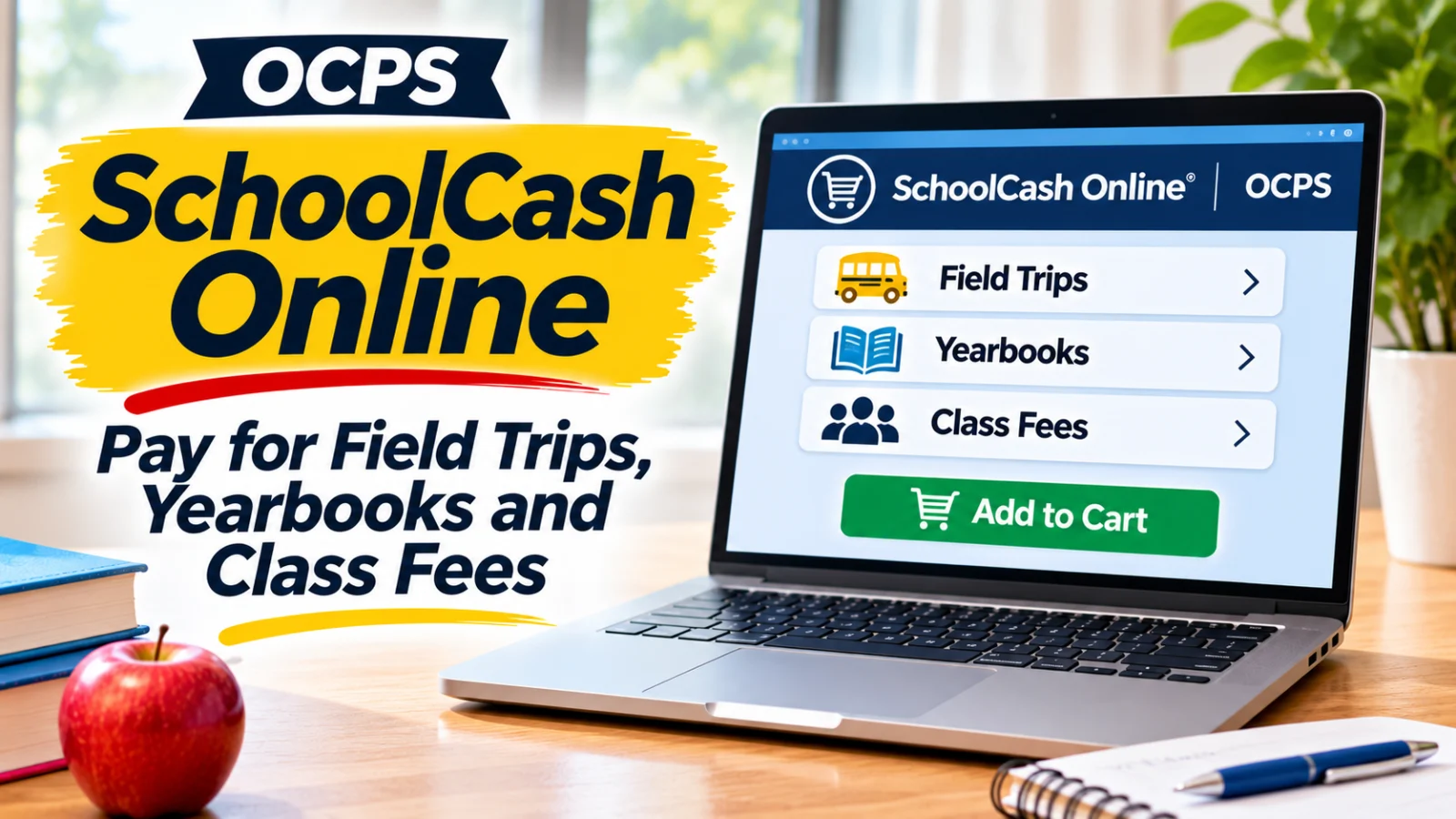
Orange County Public Schools uses SchoolCash Online to collect school payments at every campus. The district's School Cash Online page, checked November 12, 2026, says, "Our district now uses SchoolCash Online to complete transactions at all Orange County Public Schools." Parents can pay for "your child's yearbook, class trips and so much more from your own home," the page says.
The site is ocps.schoolcashonline.com. If a teacher or club sponsor sends home a payment notice before winter break, this is usually where the item will be posted.
Do I already have a SchoolCash account?
You might. The OCPS page says SchoolCash Online "automatically syncs with our Student Information System (Skyward) to generate accounts." During the 2025 to 2026 school year, it says, an account was generated for the primary parent using that parent's preferred email address. The primary parent is "the first parent/guardian listed in Skyward for each child."
The page also says that beginning in the 2026 to 2027 school year, "the district intends to create SchoolCash Online account for all parents/guardians on record in the Student Information System." It does not say whether that has happened yet, so if you are the second parent listed in Skyward, check your email for a SchoolCash invitation before you register a new account.
If your email in Skyward is out of date, the account may have gone to an old address. Our Skyward and LaunchPad login guide explains how to get your contact information fixed through your school.
How do I register for SchoolCash Online?
The OCPS page and the district's registration instructions list the same steps:
Go to ocps.schoolcashonline.com and click Register.
Enter your first name, last name and email address, and create a password.
Select a security question.
Select Yes to receive email notifications. The instructions say you will not receive promotional emails.
Watch for a confirmation email. Check your spam folder if you do not see it.
Log in with your email address and password.
Instructions in Spanish are posted as a separate PDF. The OCPS page says you can switch the site's language by clicking English in the top right corner and choosing English, French or Spanish.
How do I add my children?
After you log in, the OCPS page says to:
Go to My Account at the top of the page.
Choose My Students from the menu.
Type your school board name, choose your school from the list, and enter your child's details.
Click Confirm.
The district's two descriptions of the limit do not match. The FAQ on the OCPS page and the registration instructions both say "You may add up to 8 students to your account." The list of benefits higher on the same OCPS page says you can "Connect your account to up to five children." The district's own registration instructions PDF, the setup document it links for families, still said 8 when we rechecked it on November 14, 2026. If you have more than five children in OCPS and the site will not let you add another, contact SchoolCash parent support.
How do I pay for a field trip or yearbook?
The OCPS page says to select the item you want to buy and click Add to Cart, then click Continue to make a payment once your cart is ready. Items appear when your child's school posts them, and you can receive email notifications as new items become available.
The page lists credit card, Apple Pay, Google Pay and eCheck as payment methods. Registered parents can also view payment history and access and print receipts. Print or save the receipt for anything with a deadline, such as a field trip, until the trip has happened.
The OCPS page does not list any convenience or processing fee. Check the final total on the checkout screen before you pay.
Can both parents see the account?
Yes, through Share Access. The OCPS page says that families who want more than one parent or guardian to have SchoolCash access can use the "Share Access" feature, and it links a district guide to sharing access.
According to that guide:
SchoolCash emails an invitation to each guardian email address on file, and the guardian clicks Accept to add the student.
A subscribed guardian can click Share Access, type another guardian's email address and click Send.
The invitation stays pending until the other guardian accepts it.
A guardian can click Stop Sharing to remove another guardian's access. The guide says this helps "in scenarios where the legal access to a student is limited to one parent."
If you co parent across two households, set this up before the first December payment so both parents see the same notices.
Can I put lunch money on SchoolCash?
The OCPS SchoolCash page says registered parents can "Add funds to your child's account to use in the school cafeteria," and the district's Food and Nutrition Services page links SchoolCash Online.
Many OCPS students do not need lunch money at all. The district's Meal Benefits page says that through the Community Eligibility Provision, OCPS provides breakfast and lunch at no charge to all students enrolled in participating schools for 2026 to 2027, and it posts the list of participating schools. The same page lists extra meal prices of $1.35 for breakfast and $1.90 for lunch at elementary schools, and $1.75 for breakfast and $2.75 for lunch at secondary schools. Our guide to whether OCPS lunch is free explains which schools are included.
The Food and Nutrition Services page also describes Birthday Bites, a classroom birthday treat ordered through the cafeteria, and Snack Bites, which lets parents buy approved snacks for a whole class. If your child's class is planning a December celebration, ask the teacher whether the school uses those programs.
Who do I call if something goes wrong?
For problems with the SchoolCash site, the OCPS page says parent support is available 24 hours a day, 7 days a week at 1 866 961 1803 or parenthelp@schoolcashonline.com. SchoolCash also runs a help center for parents, linked from the OCPS page.
For questions about the item itself, such as a trip date, a club fee or a yearbook deadline, contact the teacher, sponsor or school bookkeeper who posted it. SchoolCash can fix a login; it cannot change what a school charges.
What should I check before winter break?
Winter Break runs Monday, December 21, 2026, through Friday, January 1, 2027, according to the 2026 to 2027 OCPS school calendar. The last day of the second marking period is Friday, December 18, 2026. If your child has a December trip, club fee or yearbook order, check the payment deadline the school posted against those dates.
Log in once now to confirm your account works and your children are linked.
Turn on email notifications so you see new items when the school posts them.
Share access with the other parent or guardian if you both pay.
Save receipts for anything with a deadline.
Open ocps.schoolcashonline.com tonight, log in or register, and confirm each of your children appears under My Students before the next payment notice comes home.